
In the current competitive business landscape, companies are consistently searching for strategies to enhance effectiveness and output while decreasing expenses. One of the most notable breakthroughs in recent times is the emergence of automation technology. Automation refers to the utilization of software, hardware, or a combination of both to perform activities that were previously executed manually. When implemented correctly, automation can have a significant positive impact on a company’s goals.
In this blog post, we’ll explore how automation can help companies achieve their goals by improving efficiency, reducing costs, and increasing productivity. We’ll also examine several examples of companies that have successfully implemented automation to achieve their business objectives.
Get Started with Aonflow iPaaS – Free Trial Available!
Build and deploy your integrations at zero cost. No credit card required!
The Power of Automation in Achieving Company Goals
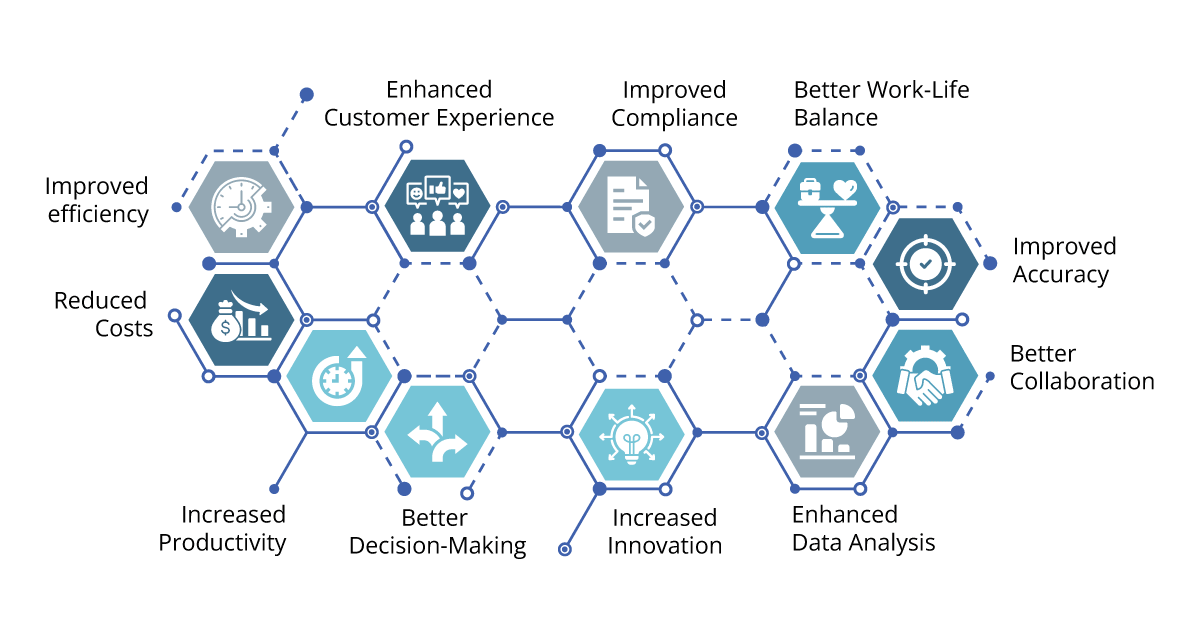
Improved Efficiency
One of the primary benefits of automation is improved efficiency. By automating repetitive tasks, companies can significantly reduce the time it takes to complete them. For example, imagine a company that processes a large volume of invoices each month. Manually entering the data from each invoice into the company’s accounting system is a time-consuming process that can take hours or even days. By automating this task using software, the company can significantly reduce the time it takes to process invoices, freeing up staff to focus on more critical tasks.
Another area where automation can improve efficiency is customer service. Many companies use chatbots to handle routine customer inquiries, freeing up staff to handle more complex issues. For example, an e-commerce company might use a chatbot to answer questions about shipping times, order status, or product availability. By automating these tasks, the company can provide faster, more efficient customer service while freeing up staff to handle more challenging inquiries.
Reduced Costs
Another significant benefit of automation is reduced costs. By automating tasks that were previously done manually, companies can significantly reduce labor costs. For example, a manufacturing company might use robots to perform assembly line tasks that were previously done by humans. This can result in significant cost savings over time, as robots can work faster and more consistently than humans, reducing the need for overtime and reducing the risk of errors.
Another area where automation can reduce costs is supply chain management. Many companies use software to automate the process of ordering and tracking inventory, reducing the need for manual data entry and reducing the risk of errors. By automating these tasks, companies can reduce the time it takes to manage inventory, reduce the risk of stockouts, and improve overall supply chain efficiency.
Increased Productivity
Finally, automation can increase productivity by allowing companies to do more with less. By automating repetitive tasks, companies can free up staff to focus on more critical tasks, such as innovation and product development. For example, a marketing team might use automation to streamline the process of creating and sending email campaigns. This can free up staff to focus on developing new marketing strategies or creating more compelling content, ultimately leading to increased productivity and growth.
Another example of increased productivity through automation is in the field of data analysis. Many companies use machine learning algorithms to analyze large amounts of data, identifying patterns and trends that might be missed by human analysts. By automating these tasks, companies can make faster, more informed decisions, leading to improved performance and increased profits.
Better Decision-Making
Automation can provide businesses with accurate and timely data, enabling them to make informed decisions. With automation, businesses can easily track and analyze key metrics, such as sales performance, customer behavior, and inventory levels. This can help businesses identify areas for improvement, optimize their operations, and make data-driven decisions.
Enhanced Customer Experience
Automation can help businesses provide a better customer experience by enabling them to respond to inquiries and resolve issues quickly and efficiently. For example, a chatbot can provide customers with instant answers to frequently asked questions, reducing the need for human intervention. This can lead to higher customer satisfaction and loyalty.
Improved Compliance
In some industries, compliance with regulations and standards is critical to success. However, staying on top of compliance requirements can be a time-consuming and complex process. By automating compliance tasks, companies can reduce the risk of compliance violations and improve overall compliance.
For example, in the financial services industry, companies are required to comply with a wide range of regulations related to customer data privacy and security. By using automation to monitor and analyze data, financial institutions can quickly identify potential compliance issues and take action to resolve them.
Increased Innovation
Automation can free up staff to focus on more innovative tasks, such as product development and research. By automating repetitive tasks, businesses can devote more time and resources to innovation, leading to the creation of new products, services, and business models.
Better Work-Life Balance
Automation can also improve work-life balance for employees by reducing the need for overtime and allowing them to focus on more fulfilling tasks. By automating tedious and repetitive tasks, businesses can improve job satisfaction and employee morale, leading to higher retention rates and a more engaged workforce.
Improved Accuracy
Automation can also lead to improved accuracy. When tasks are performed manually, there is always a risk of errors, whether it’s due to human error or the limitations of the tools being used. By automating these tasks, companies can reduce the risk of errors and improve the accuracy of their work.
For example, in the healthcare industry, automation can help improve patient outcomes by reducing the risk of errors in diagnosis or treatment. Electronic health records (EHRs) can automate the process of tracking patient data, which can reduce the risk of errors due to illegible handwriting or lost paperwork. Additionally, automated alerts and reminders can help healthcare providers stay on top of critical information, such as medication allergies or upcoming appointments.
Enhanced Data Analysis
Another area where automation can have a positive impact is data analysis. By automating the process of collecting, organizing, and analyzing data, companies can gain valuable insights that can inform business decisions and improve outcomes.
For example, in the retail industry, companies can use automation to analyze customer data and develop personalized marketing campaigns. By collecting data on customer behavior, such as purchasing habits and website clicks, companies can use automation to analyze this data and develop targeted marketing campaigns that are more likely to resonate with customers.
Better Collaboration
Automation can help improve collaboration within teams and across departments. By automating routine tasks, teams can focus on more complex tasks that require collaboration and teamwork.
For example, in the software development industry, teams can use automation to streamline the process of testing and debugging code. This can free up time for developers to collaborate with other team members on more complex tasks, such as designing new features or improving the user experience.
Aonflow is the leading integration platform.
You can kick-start by integrating your first-ever workflow in just a matter of minutes.
Examples of Successful Automation Implementation:
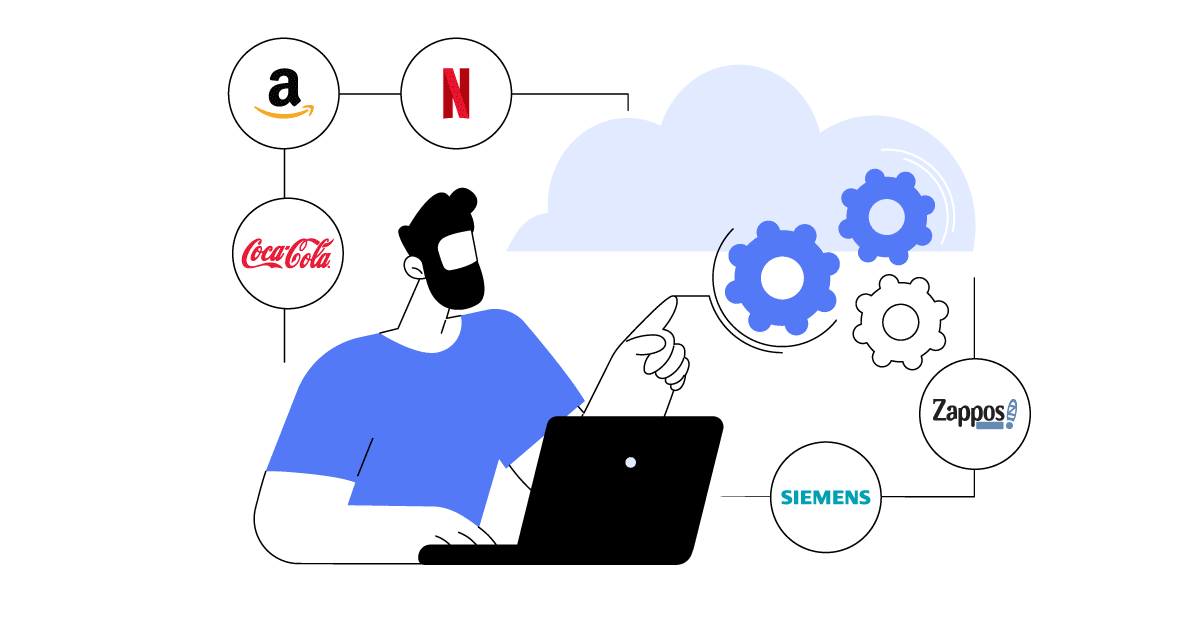
Amazon: Amazon uses automation extensively in its fulfillment centers to handle the high volume of orders it receives. The company uses robots to move inventory, pack boxes, and even deliver items to workers, reducing the need for manual labor and increasing efficiency.
Coca-Cola: Coca-Cola uses automation to streamline its supply chain, enabling real-time tracking of inventory and shipments. The company uses IoT sensors and software to monitor everything from bottling machines to delivery trucks, enabling it to optimize operations and reduce costs.
Zappos: Zappos uses automation to provide exceptional customer service, using chatbots to handle routine inquiries and providing personalized recommendations based on customer behavior. This has led to higher customer satisfaction and loyalty, as well as increased sales.
Netflix: Netflix uses automation to personalize its recommendations to each user, analyzing data such as viewing history and preferences to suggest new content. This has led to higher engagement and retention rates, as well as increased revenue.
Siemens: Siemens uses automation to optimize its manufacturing processes, using robotics and IoT sensors to monitor equipment and automate maintenance. This has led to increased efficiency, reduced downtime, and improved product quality.
How does iPaaS Automation Help?
iPaaS enables businesses to integrate different applications and data sources, both within and outside their organization, to streamline workflows and automate processes. iPaaS automation can help companies in several ways:
Better Performance: With iPaaS automation, businesses can automate repetitive tasks such as data entry, file transfers, and report generation, freeing up staff to focus on more critical tasks. This can result in increased efficiency, faster workflows, and improved productivity.
Better Accuracy: Manual data entry and processing are prone to errors, which can be costly and time-consuming to correct. iPaaS automation can help improve accuracy by automating data validation, verification, and enrichment, reducing the risk of errors and ensuring data integrity.
Streamlined Workflows: iPaaS automation can help streamline workflows by connecting different applications and data sources, enabling real-time data exchange and eliminating the need for manual data transfers. This can result in faster and more efficient workflows, reduced latency, and improved business agility.
Cost Savings: iPaaS automation can help reduce costs by eliminating the need for manual labor and reducing the risk of errors. By automating processes, businesses can reduce the time and resources required to complete tasks, resulting in cost savings and improved profitability.
Scalability: iPaaS automation can help businesses scale their operations by automating processes that were previously done manually. As the business grows, iPaaS automation can help handle increased volumes of data and transactions, without the need for additional staff or resources.
iPaaS automation can help businesses improve efficiency, reduce costs, and increase agility, enabling them to stay competitive in today’s fast-paced business environment.
Conclusion
Automation can have a significant positive impact on a company’s goals by improving efficiency, reducing costs, increasing productivity, and enabling better decision-making. Successful automation implementation requires careful planning, evaluation, and testing, as well as ongoing monitoring and optimization. Companies that embrace automation and invest in the right technology and expertise can gain a competitive advantage, enabling them to innovate, grow, and thrive in today’s fast-paced business environment.
Get Started with Aonflow iPaaS – Free Trial Available!
Build and deploy your integrations at zero cost. No credit card required!