
Running a business today means relying on a ton of apps to get things done. There’s an app for managing your sales pipeline, another one for customer support, and probably another for project management. We’ve got so many tools at our disposal, and each one helps a little bit—but often, they don’t talk to each other. If your business apps aren’t connected, that can lead to a lot of wasted time, missed opportunities, and frustrations for you and your team.
Let’s help you understand why connecting your business apps matters, how it can boost your business’s performance, and the practical steps you can take to actually make it happen.
Get Started with Aonflow iPaaS – Free Trial Available!
Build and deploy your integrations at zero cost. No credit card required!
Why Connecting Your Business Apps Matters
Let’s start with the basics: Why should you bother connecting all these different apps in the first place? The answer boils down to efficiency. When your apps are separate, it’s like each department in your company is working with blinders. Your salespeople may not know what your marketing team is doing, your finance team might not have the latest sales numbers, and your support reps could be left in the dark when a customer reaches out.
Connecting your business apps means creating a bridge between these separate islands of information. Imagine if your CRM, project management, email marketing tool, and accounting software could all sync up, so information flowed smoothly between them. That would mean fewer headaches, less time wasted on manual work, and a much more accurate picture of how things are going.
The Benefits of Connecting Your Business Apps
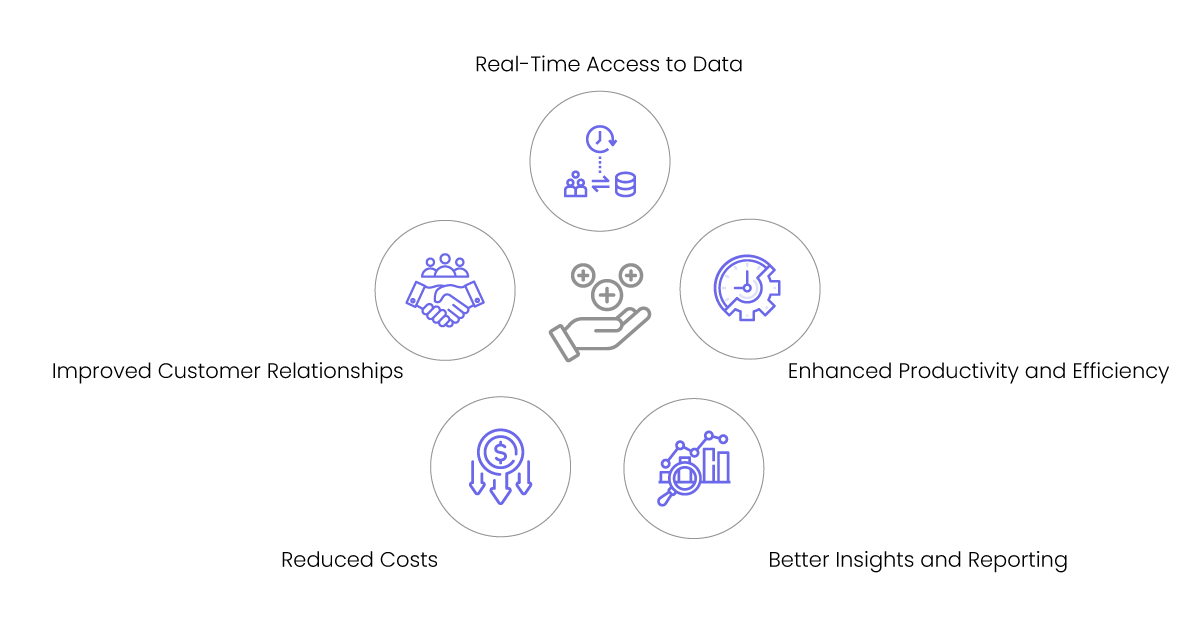
1. Enhanced Productivity and Efficiency
Let’s be real: Manual work is draining. No one wants to spend hours each week copying data from one app into another. When your apps are connected, those repetitive tasks can be automated, which means your employees can focus on the important stuff—the things that require creativity, problem-solving, and human touch.
Imagine this: A new customer signs up on your website. With connected apps, their information is automatically added to your CRM, an onboarding email is sent, and your sales team is notified. No one has to lift a finger, and the process moves faster than you could ever do it manually. This kind of efficiency is one of the biggest reasons to invest in integrating your tools.
2. Real-Time Access to Data
We’ve all been there—needing to make an important decision, but not having up-to-date information at our fingertips. If your systems aren’t talking to each other, you might end up relying on old data, and that’s risky.
When your apps are integrated, data flows between them in real time. This means your sales team knows exactly what’s in stock, your support reps know about recent customer interactions, and your marketing team can see the latest campaign results as they come in. Real-time data is powerful because it helps everyone stay informed and make better decisions, without the guesswork.
3. Improved Customer Relationships
Today’s customers expect quick, personalized service. If a customer reaches out with a question, they want you to know who they are, what they’ve purchased, and what kind of help they need. If your customer service reps don’t have access to all that information, it can be frustrating for the customer and the rep alike.
Connecting your apps means your customer service team has the information they need at their fingertips—order history, support tickets, previous interactions, you name it. That way, they can provide a personal, seamless experience that leaves your customers feeling valued. And happy customers are loyal customers.
4. Better Insights and Reporting
We’re always told to make “data-driven decisions,” but how are you supposed to do that if your data is scattered across different apps? You end up with a bunch of reports that don’t quite line up, and trying to make sense of them can be like trying to put together a puzzle with missing pieces.
By connecting your apps, you can bring all your data into one place. You can see sales trends, understand customer behavior, and figure out what’s working and what’s not. With all your data synced up, you get a clearer, more accurate view of your business—and that means better decisions.
5. Reduced Costs
Let’s face it—time is money. When your team is bogged down by manual processes and disjointed systems, it costs you. There’s the cost of their time, the cost of fixing errors, and the cost of missed opportunities when things slip through the cracks. Integrating your apps can help reduce all those costs by streamlining your processes and making your team’s jobs easier.
Aonflow is the leading integration platform.
You can kick-start by integrating your first-ever workflow in just a matter of minutes.
How to Connect Your Business Apps
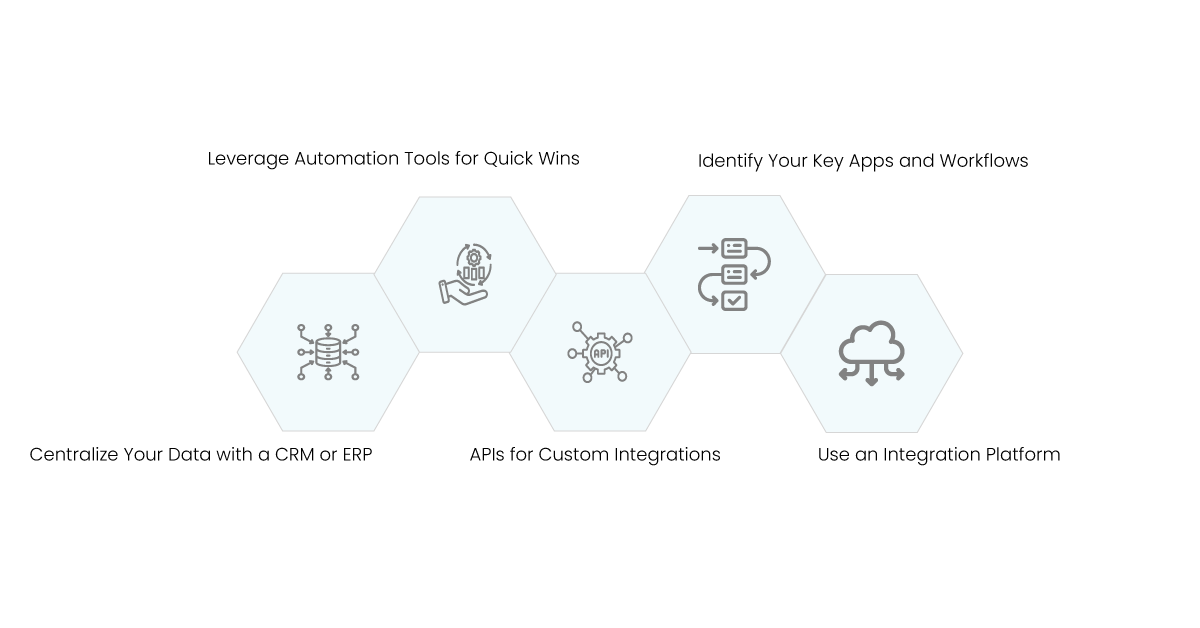
So, how do you actually go about connecting all these different tools? The good news is, it’s easier than you might think. Let’s break down the steps.
1. Identify Your Key Apps and Workflows
The first step is to take a good, hard look at what tools you’re using and which ones matter most to your workflows. You don’t need to connect every single app right away—that can be overwhelming. Instead, think about the apps that are most important to your day-to-day operations. For example, your CRM, email marketing tool, and accounting software might be good places to start.
Consider how these apps interact with each other and where the biggest gaps are. Maybe your sales and marketing teams are constantly emailing back and forth to share customer info, or your finance team is manually entering sales data into your accounting system. These are the types of workflows that will benefit most from integration.
2. Use an Integration Platform
One of the easiest ways to connect your apps is to use an Integration Platform as a Service (iPaaS). These platforms provide pre-built connectors for all sorts of different tools, so you don’t have to write any code or build anything from scratch.
An iPaaS solution is essentially a hub for all your apps. It lets you map out how data should flow between different systems and set up rules for how they interact. The beauty of iPaaS is that it’s designed for non-technical users, so you don’t need to be a developer to get your apps talking to each other.
3. Leverage Automation Tools for Quick Wins
If you’re not ready to dive into a full integration platform just yet, there are still ways you can connect your apps using automation tools. Tools are great for creating simple automations that connect different apps without needing any code.
4. APIs for Custom Integrations
Sometimes, you need a little more customization than what pre-built connectors can offer. This is where APIs (Application Programming Interfaces) come into play. APIs allow different software applications to communicate with each other, and they’re incredibly powerful for creating custom integrations.
While using APIs may require some technical know-how, they give you the flexibility to build exactly what you need. For example, if you want your inventory management system to update your e-commerce platform every time stock levels change, an API could make that happen in real time.
5. Centralize Your Data with a CRM or ERP
Another option is to use a CRM (Customer Relationship Management) or ERP (Enterprise Resource Planning) system to act as a central hub for your data. These platforms are designed to connect different parts of your business, so they’re a great way to create a single source of truth.
For instance, you can connect your CRM to your email marketing tool, your customer service platform, and your sales software. This allows all customer data to live in one place, so your teams aren’t working with fragmented information. The same goes for an ERP, which can integrate your accounting, inventory, and sales data for a more holistic view of your business operations.
Real-Life Scenarios Where Integration Works Wonders
It’s one thing to talk about how integration helps in theory, but let’s look at a few real-life examples where connecting business apps can make a world of difference.
- Sales and Marketing Alignment: Let’s say your marketing team launches a campaign to bring in new leads. When someone fills out a form, their information goes directly into your CRM, and your sales team is notified instantly. Sales reps can then see all of the lead’s interactions with your brand before reaching out. That’s real sales and marketing alignment—no leads falling through the cracks, and no back-and-forth emails to figure out what’s going on.
- Customer Support Made Easy: Picture this: A customer calls in with a question about an order they placed. If your customer service software is integrated with your CRM and e-commerce platform, the support rep can see everything they need—order details, shipping status, and even past conversations. They can help the customer right away, without needing to dig around for information or transfer them to another department.
- Efficient Inventory Management: If you’re running a retail business, managing your inventory can be a huge challenge. By connecting your e-commerce store to your inventory management system, you can automatically update stock levels whenever a sale is made. That way, your customers always know what’s available, and you’re not stuck dealing with overselling or stockouts.
Conclusion
Connecting your business apps might sound like a big project, but the benefits are too good to ignore. It’s about more than just making your tech stack look nice—it’s about transforming the way you operate. It’s about saving time, reducing errors, and making better, more informed decisions for your business. Imagine if every piece of data you needed was right there, updated in real-time, with no manual data entry or back-and-forth between teams. That’s what connected systems can do for you.
So, if you’re tired of juggling apps that don’t communicate and you’re ready to boost your business’s performance, start small. Pick a few critical apps, look into integration platforms or automation tools, and see how connecting those pieces can streamline your work. As you start seeing results, expand to more tools and keep building on that connected foundation.
Your business is made up of a lot of moving parts—sales, marketing, operations, customer service, and more. Integration is what brings all those parts together to work in harmony, like a well-tuned machine. When everything works together, your team can focus on what they do best: delivering great products, providing stellar service, and growing your business.
Integration isn’t just a technical project—it’s a way of working that will set you up for long-term success. Take that leap, connect your apps, and start experiencing the difference it can make. Your business—and your sanity—will thank you.
Get Started with Aonflow iPaaS – Free Trial Available!
Build and deploy your integrations at zero cost. No credit card required!