
Customer relationship management (CRM) integration has emerged as a crucial component for unlocking business growth. CRM integration refers to the process of seamlessly connecting CRM software with other business systems and applications, enabling organizations to streamline data management, boost sales and marketing efforts, enhance customer service and support, increase operational efficiency, enable data-driven decision-making, and ensure scalability and flexibility. By harnessing the power of CRM integration, businesses can maximize the value of their customer data and drive sustainable growth.
Get Started with Aonflow iPaaS – Free Trial Available!
Build and deploy your integrations at zero cost. No credit card required!
Streamlining Data Management with CRM Integration
Centralizing Customer Data: CRM integration allows businesses to consolidate customer information from various sources into a central repository. By bringing together data from multiple systems such as sales, marketing, customer support, and e-commerce, organizations gain a holistic view of their customers, enabling them to understand their preferences, behaviors, and needs more effectively.
Eliminating Data Silos: Without integration, data silos can hinder collaboration and hinder business growth. CRM integration breaks down these silos, enabling seamless data flow and eliminating duplicate or inconsistent information. This unified data approach ensures that teams across the organization have access to accurate and up-to-date customer information, enabling them to make informed decisions and deliver personalized experiences.
Enhancing Data Accuracy and Consistency: Manual data entry and data duplication are prone to errors, leading to inaccurate and inconsistent customer data. CRM integration automates data synchronization and eliminates manual data entry, resulting in improved data accuracy and consistency. This, in turn, enables businesses to make reliable decisions based on accurate and reliable information.
Improving Data Accessibility and Sharing: Integration allows different departments and teams within an organization to access and share customer data easily. Sales, marketing, and customer support teams can collaborate more effectively, aligning their efforts to deliver a consistent customer experience across touchpoints. For example, integrating CRM with marketing automation tools enables seamless data exchange between the two systems, ensuring targeted marketing campaigns based on real-time customer insights.
Boosting Sales and Marketing Efforts
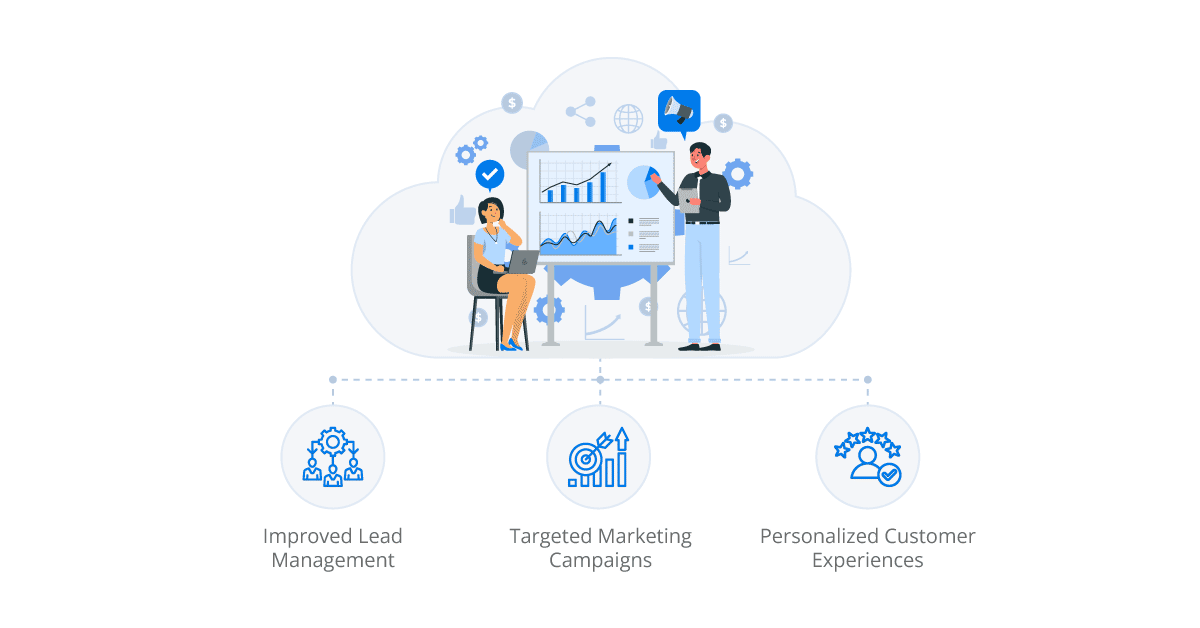
Improved Lead Management: CRM integration enables efficient lead management by capturing leads from various sources, such as websites, social media, and events, directly into the CRM system. This streamlines the lead nurturing process, allowing sales teams to track and engage with leads more effectively, ultimately leading to higher conversion rates.
Targeted Marketing Campaigns: Integrating CRM with marketing platforms empowers marketers to create targeted and personalized campaigns based on rich customer data. By leveraging customer insights and segmentation, businesses can deliver relevant content and offer to specific customer segments, increasing engagement and driving conversions.
Personalized Customer Experiences: CRM integration enables businesses to deliver personalized experiences throughout the customer journey. By leveraging CRM data in real-time, organizations can tailor interactions, recommend relevant products or services, and provide personalized support, fostering customer loyalty and satisfaction.
Enhancing Customer Service and Support
360-Degree View of Customers: CRM integration provides a comprehensive and 360-degree view of customers, empowering customer service representatives to deliver personalized and proactive support. By accessing a customer’s complete history, including purchase history, interactions, and preferences, support teams can resolve issues more efficiently, resulting in enhanced customer satisfaction.
Automated Case Management: Integrating CRM with helpdesk software automates case management processes, enabling seamless ticket creation, routing, and tracking. This integration ensures that customer inquiries are efficiently handled, reducing response times and improving customer service levels.
Seamless Communication Channels: CRM integration allows businesses to unify communication channels, such as email, phone, live chat, and social media, within a single interface. This streamlines communication with customers, providing a consistent and seamless experience across different channels.
Increasing Operational Efficiency
Automating Workflows and Processes: CRM integration enables the automation of repetitive tasks and workflows, reducing manual effort and increasing operational efficiency. For example, by integrating CRM with workflow management tools, businesses can automate lead nurturing, opportunity management, and sales pipeline tracking, ensuring a streamlined and efficient sales process.
Streamlining Sales Pipeline Management: CRM integration provides real-time visibility into the sales pipeline, allowing sales teams to track the progress of deals, identify bottlenecks, and take proactive actions. This streamlining of the sales process enables businesses to close deals faster and improve sales performance.
Simplifying Order Management: Integrating CRM with an enterprise resource planning (ERP) system simplifies order management by automating the order-to-cash process. This integration ensures accurate and timely order processing, inventory management, and fulfillment, resulting in improved operational efficiency and customer satisfaction.
Enabling Data-Driven Decision Making
Real-Time Analytics and Reporting: CRM integration enables real-time analytics and reporting, providing actionable insights into customer behavior, sales performance, and marketing effectiveness. By leveraging integrated analytics tools, businesses can make data-driven decisions, identify trends, and optimize strategies for driving business growth.
Comprehensive Performance Metrics: CRM integration enables businesses to track and measure key performance indicators (KPIs) across various departments and processes. From sales revenue and conversion rates to customer retention and satisfaction metrics, integrated CRM systems provide comprehensive performance metrics, enabling organizations to monitor progress and identify areas for improvement.
Data Visualization and Dashboards: Integration with business intelligence tools allows businesses to visualize CRM data through interactive dashboards and reports. This visual representation simplifies complex data and enables stakeholders to gain meaningful insights at a glance, facilitating informed decision-making.
Aonflow is the leading integration platform.
You can kick-start by integrating your first-ever workflow in just a matter of minutes.
Ensuring Scalability and Flexibility
Adapting to Changing Business Needs: CRM integration offers the flexibility to adapt to evolving business requirements. As businesses grow or diversify their operations, integration allows for the seamless addition of new systems and applications, ensuring scalability and future-proofing investments.
Seamlessly Integrating Third-Party Applications: CRM integration allows businesses to connect with a wide range of third-party applications, such as email marketing platforms, helpdesk software, e-commerce platforms, and more. This seamless integration ecosystem extends CRM functionality and enables businesses to leverage best-in-class tools for different business processes.
Extending CRM Functionality: Integrating CRM with other business systems expands CRM functionality, unlocking additional capabilities and empowering organizations to meet specific business needs. For example, integrating CRM with e-commerce platforms enables businesses to synchronize customer data, order history, and product information, facilitating personalized shopping experiences and streamlined order management.
Overcoming Challenges in CRM Integration
Data Mapping and Transformation: One of the challenges in CRM integration is data mapping and transformation. When integrating different systems, data may be structured differently or use different formats. It is essential to map the data fields accurately and transform them to ensure compatibility and consistency between systems. Proper data mapping and transformation strategies, coupled with the use of integration tools or middleware, help address this challenge effectively. It is crucial to define clear data mapping rules and consider any necessary data cleansing or standardization processes to ensure data integrity throughout the integration.
Integration Complexity and Cost: CRM integration projects can be complex, requiring careful planning and coordination. The complexity may arise from integrating multiple systems, dealing with large volumes of data, or incorporating custom business processes. It is important to assess the integration complexity upfront and allocate the necessary technical expertise and resources to ensure a smooth integration process. Additionally, organizations should consider the total cost of ownership, including development, implementation, and maintenance costs associated with CRM integration. Engaging with experienced integration specialists or using iPaaS (integration platform as a service) solutions can simplify the integration process and reduce costs by leveraging pre-built connectors and integration templates.
Ensuring Data Security and Privacy: CRM integration involves the transfer and synchronization of sensitive customer data. Ensuring data security and privacy is of utmost importance to protect customer information and comply with regulations. Organizations must implement robust security measures, such as data encryption, user access controls, and regular security audits, to safeguard customer data throughout the integration process. It is also essential to comply with relevant regulations, such as the General Data Protection Regulation (GDPR), and establish data governance policies and procedures to ensure proper data handling and privacy compliance.
Example: CRM Integration Best Practices
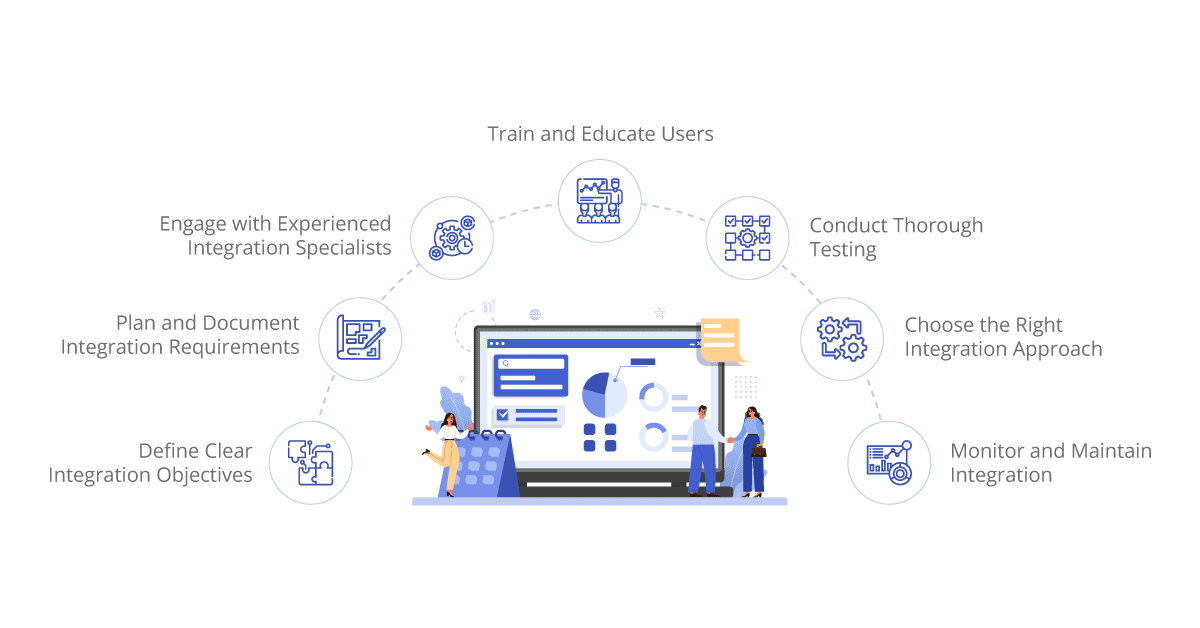
To overcome the challenges associated with CRM integration and ensure successful implementation, organizations can follow these best practices:
Define Clear Integration Objectives: Clearly define the objectives and expected outcomes of the CRM integration project. Determine the specific business processes, data points, and functionalities that need to be integrated and prioritize them based on business needs.
Plan and Document Integration Requirements: Document the integration requirements, including data mapping rules, transformation processes, and system dependencies. Consider the data flows, frequency of synchronization, and any specific business rules or validations required during the integration process.
Choose the Right Integration Approach: Evaluate different integration approaches, such as point-to-point integrations or using an iPaaS solution. Consider factors such as scalability, flexibility, ease of maintenance, and future integration needs when selecting the integration approach.
Engage with Experienced Integration Specialists: If internal resources are limited or lack integration expertise, consider partnering with experienced integration specialists or consultants. Their expertise and knowledge can help streamline the integration process and ensure best practices are followed.
Conduct Thorough Testing: Thoroughly test the integration before deploying it in a production environment. Test data synchronization, data transformation, error handling, and system performance to identify and resolve any issues or bugs.
Train and Educate Users: Provide comprehensive training and education to users who will be interacting with the integrated systems. Ensure they understand the new processes, functionalities, and benefits of the integrated CRM system to maximize adoption and utilization.
Monitor and Maintain Integration: Establish ongoing monitoring and maintenance procedures to ensure the integration continues to function optimally. Regularly review data synchronization, system performance, and user feedback to identify areas for improvement or optimization.
By following these best practices, organizations can overcome challenges and leverage CRM integration to its full potential, unlocking the benefits of streamlined processes, improved data accuracy, and enhanced business growth.
Conclusion
CRM integration is a powerful strategy for unlocking business growth by streamlining data management, boosting sales and marketing efforts, enhancing customer service and support, increasing operational efficiency, enabling data-driven decision-making, and ensuring scalability and flexibility.
Despite the challenges involved, such as data mapping, integration complexity, and data security, organizations can overcome them by following best practices and leveraging the expertise of integration specialists. With proper planning, implementation, and ongoing maintenance, CRM integration becomes a catalyst for driving sustainable business growth in the customer-centric digital age. Embracing CRM integration as a strategic initiative positions businesses for success by empowering them to harness the full potential of their CRM systems and capitalize on the value of integrated customer data.
Get Started with Aonflow iPaaS – Free Trial Available!
Build and deploy your integrations at zero cost. No credit card required!