How it works for you
Use our smart products and capabilities to simplify your needs
How it works for you
Will I be able to Integrate anything with Aonflow?
Yes, Aonflow, then absolutely, yes!
Explore others
Aonflow supports
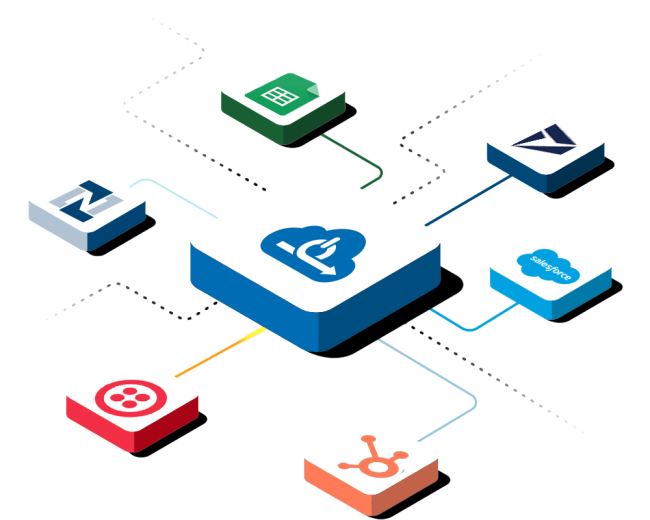
A wide array of cloud applications, file storage services, databases, and event-driven webhooks. We continue to add new apps to the list so that you may use data from a wider range of sources when needed.
Integrations aren't always straightforward and easy, transferring data is a time-consuming process.
Logic to be applied
- What kind of information should it be done?
- When should it be done?
- Under which circumstances should it be done?
Format to be used
- Which endpoints are expected to get data?
- In which degree to which organizations automate the apps, they are able to completely drive full stack of automation for companies.
What we understand:
- Complexities of integration are driven by underlying business processes.
- Simpler integrations do away with automation for organization complexities.
- Simple AI and native integrations allow relaxation of addressing complexities.

All-in-one automation and integration platform
We solve integration challenges through automation of business processes.
Our unique multi-level workflows mimic the flow and logic of processes that are easy to create, study, compare, integrate to almost nearly any application on stack with ease.
Book a DemoSo, how does Aonflow work for you?
The Data Source
Source of data is the key information that will be utilized in the workflow. Most often, it's a piece of data extracted from an application. However, it can also come from an email, CSV file or spreadsheet, or data stored in a warehouse or corporate databases.
The Trigger
A trigger is an event that starts a workflow or transfers data between applications. Triggers can be scheduled, such as running every day at midnight, or in response to changes in an underlying application- like when a new lead is uploaded, or - end-user activity, like when a customer sends an email or fills out a form.
The Logic
The workflow must then make a decision about what to do with the data or information received, such as whether or not it should be compared - is the new lead from a business with 50 or more employees? Or does looping through a list look for a certain entry - do we already have an account record for this specific organization or business entity?
The Format
This is where we "transform" the data or information received, or tweak it in a way that makes it fit the required format for the ultimate destination or action. This might range from extracting fields, parsing URLs, formatting dates, or combining data from various different sources.
The Action
This is what we'll do with the data in the long run. Action usually entails transferring it to the final destination application, such as adding a new lead in our CRM, but you may also wish to trigger app notifications or send an email to notify the organization team about this so that they can follow up.
Powerful and Intuitive connectors
We use numerous connectors to push or pull data across different apps. Our ever-growing library of connectors powers all of these activities. Our intuitive connectors separate variations and intricacies of hundreds of different APIs, allowing you to simply draw lines between nearly any application.
Bringing it all together
The order in which you perform operations does not always matter. You’ll frequently have numerous logical phases and transformations, data transferred and orchestrated in various sources, and various actions taken to bring about the state in which workflows followed and sequence.
Most business processes are complex which is why our unique iPaaS platform has been designed to be intuitive, adaptable, agile, flexible, fast, scalable, and secure. It isn’t just a way to connect two different solutions — it’s a platform that automates processes and dataflows for any device any application.