Introduction
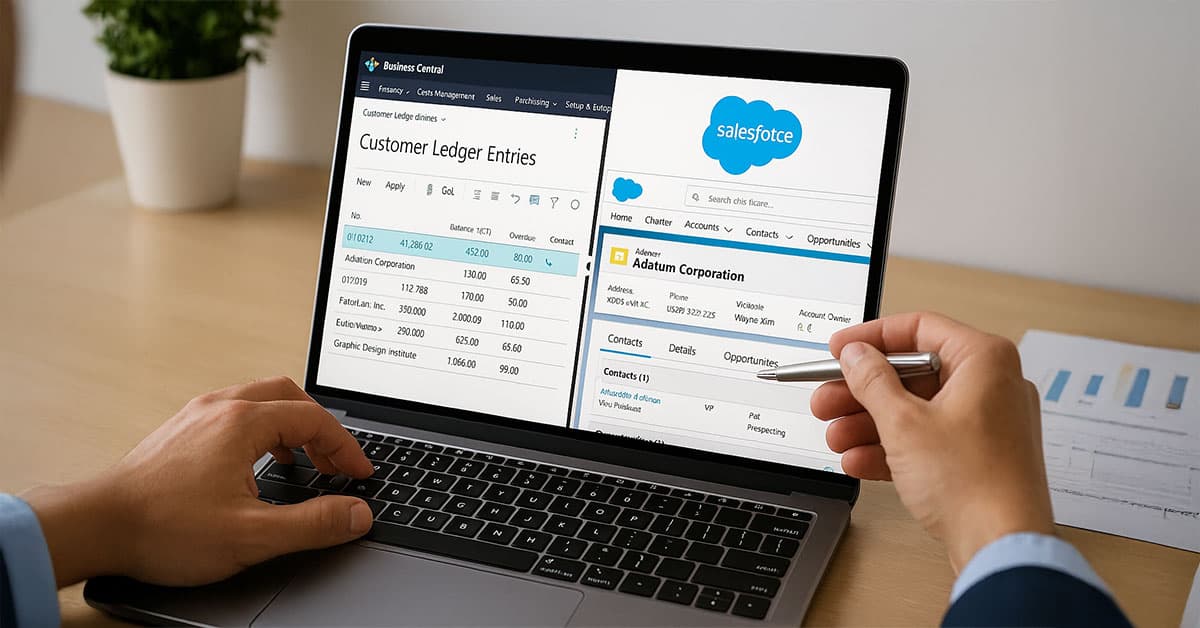
Businesses often rely on Microsoft Dynamics 365 Business Central for financial and operational management and Salesforce for customer relationship management. Both are powerful on their own, but when they function separately, data silos appear. Teams spend valuable time re-entering information, reconciling discrepancies, and ensuring that customer and account records match. Aonflow’s integration between Business Central and Salesforce addresses these issues through a structured, tested, and working connection that keeps both systems synchronized automatically.
The Challenge: Maintaining Accurate Customer and Account Data

Many organizations face recurring challenges when operating Business Central and Salesforce independently. Customer details, billing information, and transaction data are often entered manually into each system. This not only increases administrative workload but also introduces inconsistencies. For example, an updated phone number or billing address in Salesforce may not be reflected in Business Central, leading to mismatched records or delayed invoicing. Finance teams depend on Business Central for accuracy, while sales teams rely on Salesforce for customer engagement. Any disconnect between the two creates inefficiencies that affect service quality and financial reporting.
Aonflow was designed to solve this precise problem. It offers a reliable way to keep customer and account information synchronized bi-directionally without custom code or manual exports.
Aonflow’s Integration Approach
Aonflow connects Business Central and Salesforce using prebuilt connectors and a no-code configuration process. The integration uses Business Central as either the source or the destination depending on the business scenario. This is how Business central works so no need to mention – For most organizations.
Aonflow’s platform enables a near real-time exchange of data between the two. Updates made to customers in Business Central can be automatically pushed to Salesforce Accounts, and changes in Salesforce Accounts can update corresponding Business Central customer records. This ensures both teams operate from the same accurate data set.
Each connection flow in Aonflow includes:
- Defined triggers that detect changes or updates in either system.
- Actions that determine what happens when an update occurs (such as modifying a record in Salesforce).
- Field mapping specifies which Business Central fields correspond to Salesforce fields.
Workflow Overview
- Trigger Selection: Aonflow uses the “Update” event in Business Central to identify modified customer records.
- Data Retrieval: The connector fetches only the records that have changed based on timestamps.
- Filtering and Validation: Filters are applied to process only relevant customers, such as those belonging to a particular region or account category.
- Data Mapping: Business Central fields (Customer Name, Customer ID, Phone, Address) are mapped to Salesforce fields (Account Name, AX Account Number, Account Phone, Billing Address).
- Execution: Aonflow processes the updates and sends them securely to Salesforce, where existing records are modified without duplication.
This setup allows organizations to maintain synchronized data across both systems, ensuring that all departments work with the same customer information.
Key Benefits of Using Aonflow
1. Data Consistency Across Departments
With synchronized data, finance and sales teams always have accurate and consistent information. Updates in one system instantly appear in the other, reducing the risk of conflicting data.
2. Reduced Manual Work
The integration eliminates redundant data entry. Teams can focus on analysis and decision-making instead of updating spreadsheets or rekeying customer details.
3. Faster Processing and Reporting
Automated synchronization accelerates processes such as invoice creation, payment tracking, and customer communication. When information flows seamlessly, reports are more reliable and generated faster.
4. Secure and Scalable Integration
Aonflow uses encrypted connections and secure APIs to ensure data integrity between Business Central and Salesforce. The integration is scalable, suitable for small organizations and large enterprises alike.
5. Low-Code Configuration
Aonflow’s no-code setup allows non-technical users to configure, monitor, and modify integration workflows without programming skills. The interface is designed for accessibility while maintaining control for administrators.
Real Example: A Working Use Case
A mid-sized distribution company using Business Central for operations and Salesforce for customer management implemented this integration through Aonflow. Their challenge was maintaining accurate billing and contact details across both systems. Before automation, it took several hours weekly to reconcile customer updates.
Using Aonflow’s connector, they configured Business Central as the source and Salesforce as the destination. Whenever a customer record was updated in Business Central, Aonflow automatically synchronized the change in Salesforce. Within days of implementation, duplicate entries were eliminated, and the accounting team reported significant time savings. This scenario demonstrates a practical, working use of the integration available today on Aonflow.
Operational Visibility and Control

Aonflow provides monitoring features that display successful synchronizations and potential errors in real time. Administrators can review logs, check processed records, and troubleshoot if any mismatched data appears. This transparency ensures that system administrators maintain oversight of all integration activities.
Conclusion
Synchronizing data between Business Central and Salesforce is essential for businesses that want unified visibility across financial and customer operations. Aonflow’s working integration provides a reliable, tested, and secure solution that eliminates data silos, reduces manual effort, and enhances accuracy. The connector is live and ready for deployment, designed to fit seamlessly into existing environments without complex setup.
Organizations can configure the flow, monitor updates, and achieve consistent data alignment across both systems using Aonflow’s intuitive platform. This integration demonstrates how automation can simplify cross-system communication and improve overall business performance.
Learn more or request a demo at www.aonflow.com.
Get Started with Aonflow iPaaS – Free Trial Available!
Build and deploy your integrations at zero cost. No credit card required!